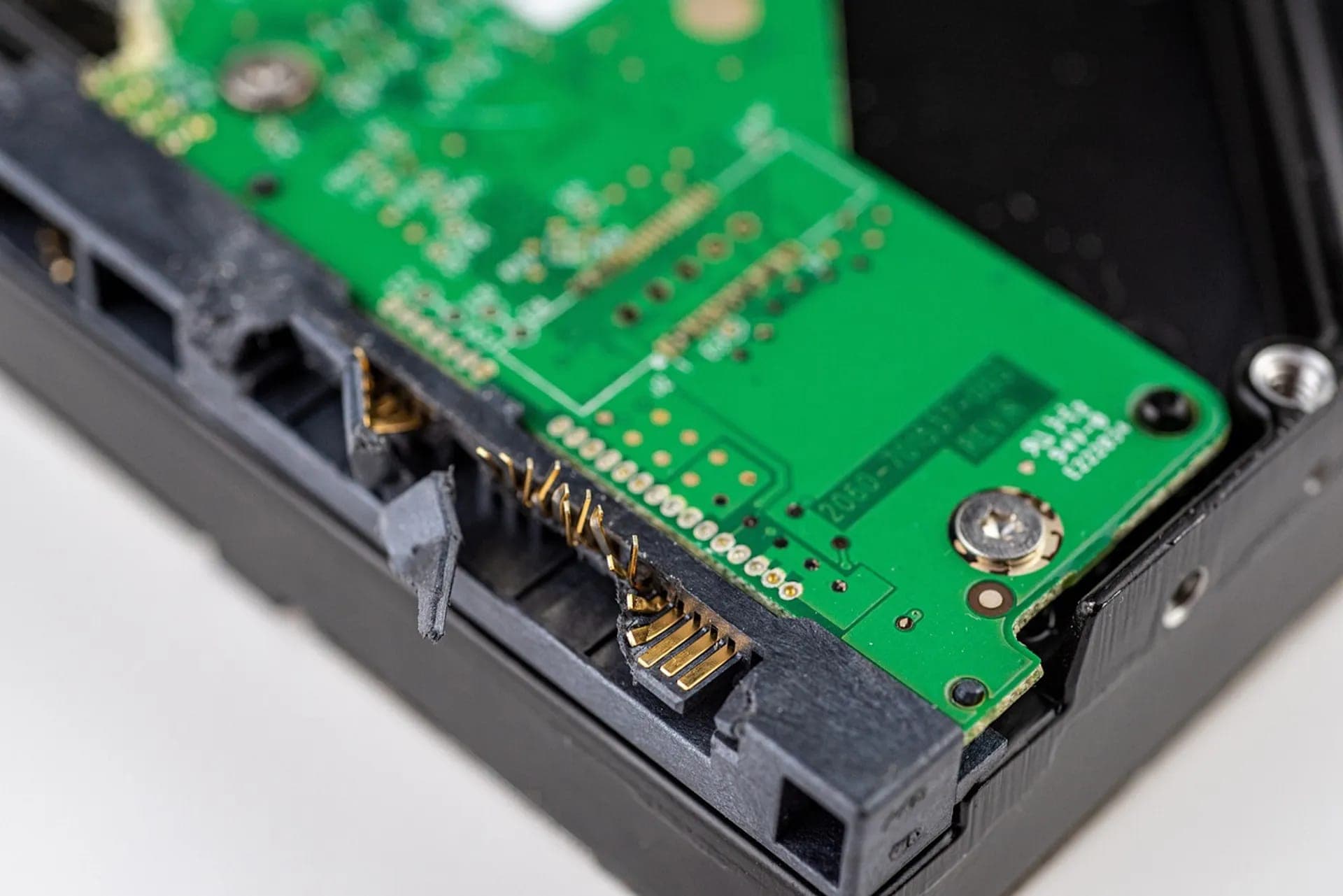
7 Most Common Causes of Hard Drive Failure + How to Recognise Them
7 Most Common Causes of Hard Drive Failure + How to Recognise Them
A hard drive is one of the few computer components that contains moving mechanical parts. Platters spin at thousands of revolutions per minute, read heads move with micrometre precision. This complexity means that sooner or later, every drive fails.
Understanding the causes of failure will help you recognise warning signs early – and possibly save data before it's too late.
1. Mechanical Damage (Drop, Impact)
How common: Very common, especially with laptops and external drives
What Happens
Read heads float above platters at a distance of only 3-5 nanometers. Upon impact or drop, they can:
- Hit the platter (head crash)
- Damage themselves on the surface
- Create scratches on the magnetic layer
Symptoms
- Clicking or scratching
- Drive not recognised
- Sudden freezing during operation
Statistics
A drop from only 10 cm can be fatal for a running drive. A powered-off drive is more resilient, but still sensitive.
Recovery Chances
They depend on the extent of the damage – switch the drive off immediately to keep them as high as possible.
Detailed article about mechanical damage →
2. Read Head Wear
How common: Common with older drives (3+ years)
What Happens
Read heads are extremely precise electromagnetic components. Over time:
- Magnetic properties degrade
- Reading precision decreases
- Ability to correctly interpret data worsens
Symptoms
- Gradual drive slowdown
- Occasional read errors
- Growing number of bad sectors in SMART
- Eventually complete failure
Lifespan
Manufacturers state MTBF (Mean Time Between Failures) around 1-2 million hours, but reality is different. Most drives reliably work 3-5 years, then failure risk increases.
Recovery Chances
They depend mainly on how long the drive kept running after the first symptoms.
3. Electrical Damage
How common: Less common, but devastating
What Happens
Power surges, lightning strikes, faulty power supply, or short circuits can damage:
- PCB board (control electronics)
- Preamplifier (signal amplifier in heads)
- Motor controller (speed control)
Symptoms
- Drive doesn't spin at all
- Burned smell
- Visible damage on PCB (black spots, burns)
- Drive spins but isn't recognised
Prevention
- UPS (backup power) for important computers
- Surge protection
- Quality computer power supply
Recovery Chances
Usually very good if only the electronics are damaged and the platters are intact.
4. Bad Sectors
How common: Very common, present in almost every older drive
What Happens
Sectors are the smallest units for storing data on the platter. A bad sector is an area that cannot be reliably read or written.
Two types:
- Soft bad sectors: Logical errors, can sometimes be repaired
- Hard bad sectors: Physical damage, unrepairable
Symptoms
- SMART warning (Reallocated Sector Count)
- Slow reading of some files
- Errors when copying
- CHKDSK reports problems
Why They Occur
- Manufacturing defects
- Wear of magnetic layer
- Microscopic impacts
- Overheating
Recovery Chances
They depend on the number and distribution of bad sectors.
Complete guide to bad sectors →
5. Firmware Problems
How common: Moderately common
What Happens
Firmware is software stored directly on the drive that controls all operations. If it gets corrupted:
- Drive may not be recognised
- May report wrong capacity
- Heads can't find data
Causes of Firmware Damage
- Sudden power disconnection during write
- Manufacturing errors (known bugs in some series)
- Degradation of flash memory where firmware is stored
Known Cases
- Seagate 7200.11 (2008): Firmware bug caused mass failures
- Some Western Digital and Hitachi series
Symptoms
- Drive spins but isn't visible
- Capacity 0 MB
- Repeated startup attempts (clicking)
Recovery Chances
Usually good – but this requires specialised firmware tools such as the PC-3000.
6. Overheating
How common: Common in poorly ventilated cases
What Happens
Hard drives have an optimal operating temperature of 25-45°C. With long-term overheating above 55°C:
- Platters can deform
- Bearing lubrication degrades
- Electronics suffer thermal stress
- Magnetic layer can be damaged
Causes of Overheating
- Poor ventilation in case
- Accumulated dust
- Fan failure
- High ambient temperature
- Multiple drives close together
Symptoms
- Drive is hot to touch
- Random freezing
- SMART reports high temperature
- Slowdown after longer operation
Prevention
- Regular dust cleaning
- Adequate ventilation
- Temperature monitoring
Recovery Chances
They depend on how long and how severely the drive overheated.
7. Factory Defects
How common: Relatively rare, but they exist
What Happens
Some drives leave the factory with a defect that only manifests after time. This phenomenon is called "infant mortality" – the highest risk of failure is in the first months of use.
Causes
- Defective components
- Calibration errors
- Firmware problems in specific series
- Damage during shipping
Known Problematic Series
- Seagate 7200.11 (2008-2009)
- Seagate 3TB (ST3000DM001, high failure rate)
- Some Hitachi Deskstar series ("Deathstar")
How to Protect Yourself
- Read reviews before purchase
- Follow reliability statistics (e.g., Backblaze reports)
- Back up new data immediately
- Use the warranty period
Recovery Chances
They depend on the type of defect.
How to Recognise Approaching Failure
SMART Monitoring
The SMART system monitors drive health and can warn before failure. Key values:
| Value | What It Monitors | Critical Level |
|---|---|---|
| Reallocated Sector Count | Remapped bad sectors | > 0 and growing |
| Current Pending Sector | Pending bad sectors | > 0 |
| Spin Retry Count | Spin-up attempts | > 0 |
| Seek Error Rate | Track seeking errors | Growing |
Complete SMART monitoring guide →
Warning Sounds
- Clicking: Heads can't read
- Squealing: Worn bearings
- Scratching: Head crash (critical!)
Behaviour Changes
- Sudden slowdown
- Freezing when accessing files
- Files won't open
- Random blue screens
What to Do When Failure Occurs
- Shut down the drive – don't restart repeatedly
- Don't use recovery software – can worsen state
- Document symptoms – sounds, errors, what preceded
- Contact an expert – the initial case assessment is free
5 fatal mistakes in data recovery →
Which Manufacturer is Most Reliable?
Data from Backblaze statistics (data centre operator with thousands of drives):
| Manufacturer | Reliability |
|---|---|
| HGST (now WD) | Best |
| Toshiba | Very good |
| Western Digital | Good |
| Seagate | Depends on model |
Important: Even with the most reliable manufacturer, a specific unit can fail. Backups are the only real protection.
FAQ
Can failure be predicted?
Often yes. SMART monitoring reveals many problems weeks or months in advance. That's why we recommend regular checks.
How long does a hard drive last?
Typically 3-5 years with normal use. Some drives work 10+ years, others fail after months. Depends on quality, conditions, and luck.
Is HDD or SSD better for reliability?
Both types have their weaknesses. HDDs are more susceptible to mechanical damage, SSDs to firmware problems and cell wear. For important data, we recommend a combination of both with regular backup.
Need to Recover Data?
Whatever the reason your drive failed, we're here to help. The initial case assessment is free, and if we recover nothing, you pay no recovery fee.
Free case assessment | Binding quote before recovery starts | No Data, No Fee
Send the drive to our lab with a tracked, insured carrier, hand it in personally in Prague, Vienna or Bratislava, or book the optional insured DPD pickup (€45, available in selected EU countries).
Email: info@datahelp.eu