External Drive
Has your external drive stopped working and you're worried about your important files? Don't worry – we can recover data even from badly damaged drives, and our specialists will make sure your files are recovered safely.
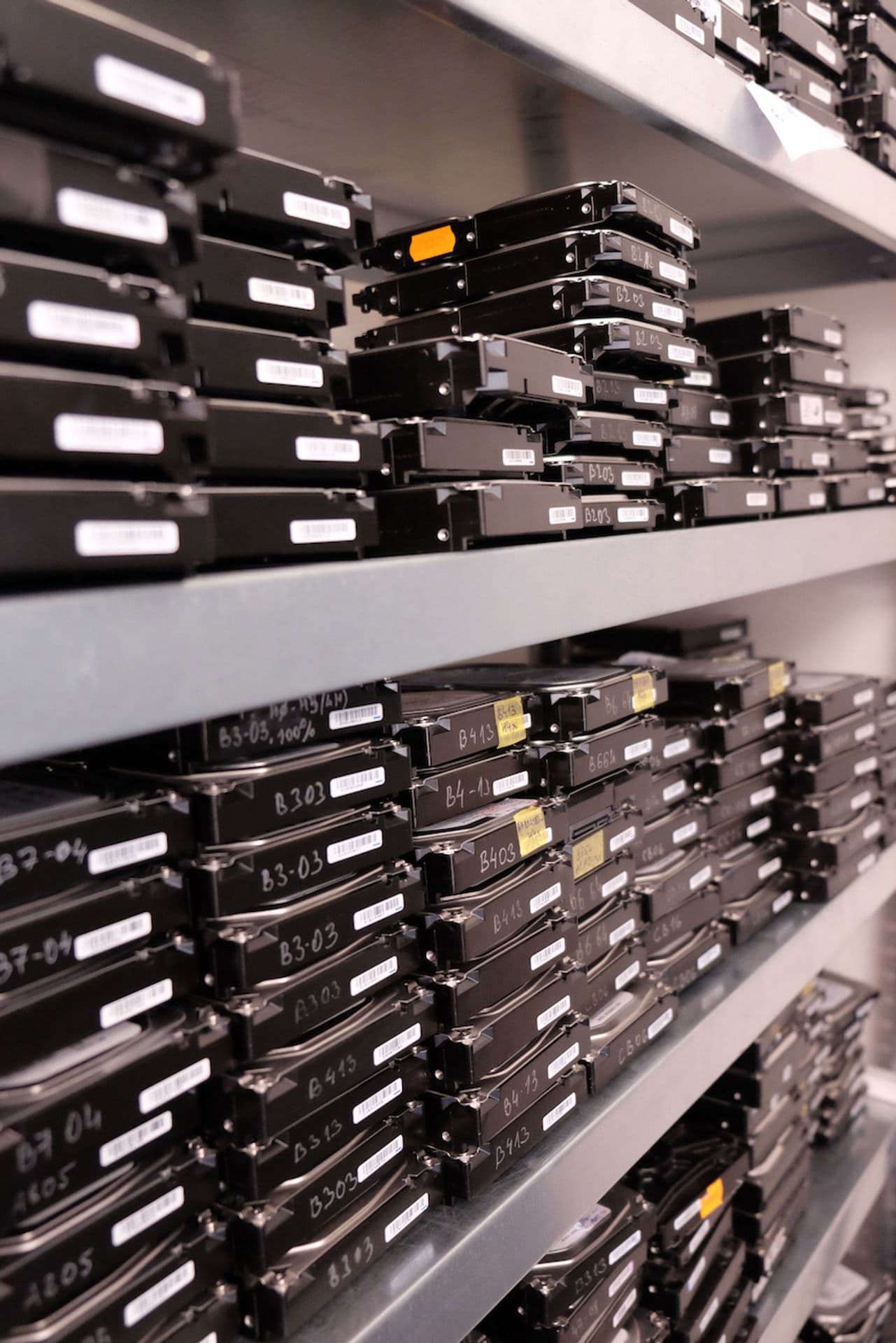
We recover data from external and portable drives of every brand — WD My Passport, Seagate Expansion, LaCie and others — after drops, failed USB bridges and mechanical damage. Drives are opened in an ISO Class 5 laminar flow box, with 10,000+ donor drives in stock for spare parts.
Pricing
Indicative prices by damage type
| Type of damage | Price |
|---|---|
| Software issues | |
Deleted Data Accidentally deleted files, emptied Recycle Bin | from €99 |
Formatting Formatted drive, lost partitions | from €99 |
Corrupted File System Drive unreadable, system reports errors | from €149 |
OS Reinstall Data overwritten by an OS reinstall | from €199 |
Malware Attack Data encrypted or damaged by malware | Individual quote |
| Hardware issues | |
Faulty Electronics (PCB) Burnt-out board, power surge, short circuit | from €199 |
Damaged Read Heads Clicking noises, unreadable sectors, drive dropped | from €529 |
Platter Damage Scratched surface, bad sectors | from €459 |
Seized Motor Drive won't spin, seized bearing | from €529 |
Damaged Service Area Drive not recognised, wrong capacity | from €459 |
Prices are indicative. The final price is set after diagnostics, based on the actual condition of the device.
Overview of common failures:
Software failures
| Damage | Cause and symptoms |
|---|---|
| Disconnection without safe removal | Unplugging the cable during a data transfer
|
| Mac/Windows file system incompatibility | Connecting the drive to a different operating system
|
| Damage when transferring between devices | Frequent connecting/disconnecting, different operating systems
|
| Virus infection via Autorun | Connecting to an infected computer
|
Hardware failures
| Damage | Cause and symptoms |
|---|---|
| Damaged read heads | Drops, shocks, material fatigue, manufacturing defects
|
| Damaged platter surface | Drops, shocks, material fatigue, contamination
|
| Bad sectors | Wear of the platter surface
|
| Seized spindle bearings or heads stuck to the platters | Manufacturing defects
|
| Faulty external or internal electronics | Power surge, overvoltage
|
| Faulty motor | Manufacturing defects, drops
|
| Fire and water damage | Natural hazards (fire, flood)
|
| Overwritten service data | Human error, hardware or software fault
|
We recover data from all drive types
External interfaces:
- •Standard USB 2.0/3.0
- •FireWire – IEEE 1394
- •eSATA
- •Network-attached – LAN, Wi-Fi
- •Thunderbolt
Form factors:
5.25"3.5"2.5"1.8"
File systems for the following platforms:
- •Windows
- •Apple Mac
- •Linux
- •FreeBSD
- •OpenBSD
- •Novell
- •OS/2
What are the most common causes of external drive failure?
Because they are carried around, external drives are at greater risk of damage than internal ones. The most common causes of external HDD failure are:
- •Knocks and drops – portable external drives are often exposed to physical shocks. Upright desktop drives in particular tend to tip over, which damages the read heads.
- •Hidden manufacturing defects – some external HDDs have defects that only show up after prolonged use.
- •Improper disconnection – unplugging an external drive without safely removing it can damage the file system or the drive’s service data.
- •Damaged USB connector – frequent plugging and unplugging can wear out the USB port on the external drive.
- •Power surges – voltage fluctuations can damage the electronics of an external HDD.
Data recovery from external drives of all brands
We recover data from external drives of every make. The ones we see most often are:
Western Digital (60%)
WD My Passport, WD Elements, WD My Book – the most common external drive brand. We deal with failed USB interfaces, head failures and encryption issues.
Seagate (30%)
Seagate Backup Plus, Seagate Expansion – the second most common brand. We specialise in Seagate firmware faults.
We also recover data from external drives by these manufacturers:
- • Toshiba
- • Samsung
- • Hitachi
- • LaCie
- • Transcend
- • ADATA
- • Verbatim
- • Buffalo
Three steps to getting your data back
- 1Disconnect the external drive immediately – Continued use can cause irreversible damage to your data.
- 2Don't try to repair the drive yourself – DIY repair attempts or recovery software can make things worse.
- 3Contact us – Send us the external drive with any carrier you choose, drop it off in Prague, or book optional insured DPD pickup for €45.
After diagnostics, we'll tell you the price and how long the data recovery from your external drive will take. You only pay if we succeed – No Data, No Fee (the optional €45 pickup fee is non-refundable).
Supported external drives
| Brands | Western Digital (My Passport, My Book, Elements), Seagate (Backup Plus, Expansion, One Touch), Toshiba (Canvio), LaCie (Rugged, Porsche, d2), Samsung (T7, T9), G-Technology, Adata, Silicon Power, Transcend |
|---|---|
| Interfaces | USB 2.0, USB 3.0/3.1/3.2, USB-C, Thunderbolt 3/4, eSATA, FireWire (legacy) |
| Internal drive types | 2.5" HDD (most portable drives), 3.5" HDD (desktop drives), SSD (modern portable drives), hybrid SSHD |
| Encryption | Hardware encryption (WD My Passport SE, Seagate FIPS), BitLocker To Go, VeraCrypt, FileVault on Mac-formatted drives |
What to do if your external drive fails
Disconnect the drive immediately — do not keep trying different USB ports or cables.
If the drive was dropped, do not power it on — clicking indicates a head crash, and every spin-up causes more damage.
Send the drive with its original USB cable; some drives have proprietary connectors that standard cables won't fit.
Contact us with the make and model — we can tell you whether a cable or enclosure problem is more likely, or a genuine drive failure.
External drive repair vs. data recovery
External drives usually contain a standard 2.5" or 3.5" HDD (or, increasingly, an SSD) inside a plastic or aluminium enclosure. In simple cases — a broken USB port, a dead power adapter or a failed USB controller — we can remove the internal drive, bypass the enclosure and read the data directly with professional tools.
On drives with built-in hardware encryption (WD My Passport SE and similar), the encryption key is stored in the USB-to-SATA bridge chip. Moving the internal drive to a different enclosure will not work — we need the original controller intact. In these cases we use specialised firmware tools to extract the key before removing the drive.
We do not repair external drives for further use. What you receive is your data on a new, verified drive. The original external drive is usually physically destroyed or returned without data.
Do not keep connecting a failing external drive
If your external drive is recognised only intermittently, clicks or shows the wrong capacity in Windows/macOS, stop connecting it. Every mount attempt can trigger the operating system's file system repair routines (which should never run on failing hardware), and drives with clicking heads get worse with every spin-up.
If an external drive has been dropped, clicking almost always indicates a head crash. Further attempts to power it on risk scoring the platters and destroying the data permanently. Keep the drive unplugged and contact us — the longer you wait and the more you try, the harder the recovery becomes.
Why choose DataHelp for external drive recovery?
External drive recovery combines HDD/SSD know-how with expertise in USB-to-SATA bridges. Each manufacturer (WD, Seagate, LaCie, Toshiba, Samsung) uses its own bridge chip with proprietary firmware — some integrate encryption, some use custom power-up sequences, and some mask the internal drive's serial number.
We have recovered data from thousands of external drives of all major brands. Our workflow includes safely removing the drive from its enclosure, firmware-level diagnostics of the internal drive, encryption key extraction where needed, and work in a laminar flow box for physically damaged drives (dropped or clicking).
Our team has more than 35 years of experience (since 1990). For dropped drives we use ISO Class 5 laminar flow boxes and keep 10,000+ donor parts in stock. Typical success rates: 90% for bridge/enclosure failures, 85% for internal drive failures, 60–70% for physically damaged drives.
Frequently asked questions — external drive recovery
Software or bridge issues start from €99, read-head replacement from €529, and encrypted drives require an individual quote. No Data, No Fee: if we recover nothing, there is no recovery fee (the optional €45 pickup fee is non-refundable).
In most cases, yes – provided you stop powering it on. Clicking indicates damaged read heads. We replace the heads with donor parts in a laminar flow box, image the platters and reconstruct the file system. Do not keep powering the drive on – each attempt risks scoring the platters and destroying the data permanently.
Yes, provided you have the password or recovery key. For BitLocker we need the BitLocker password or the 48-digit recovery key; for WD My Passport hardware encryption we need the drive's security password. Without these, encrypted data is cryptographically unreadable – by design.
Usually yes, depending on how severe the drop was. Symptoms include clicking (damaged heads), silence (seized motor) or the drive not being recognised at all. Send the drive to us without powering it on again – we open it in our laminar flow boxes, replace damaged heads from our donor stock and extract the data. Success rate for dropped drives: 70–85%.
Need to recover data from an external drive?
Request a free case assessment or contact us for more information.
Related guides
Useful reading before or after data recovery
How to Clone a Hard Drive — Complete Guide
Step-by-step guide to drive cloning: when you need it, how to prepare, best tools, HDD vs SSD specifics, and troubleshooting common problems
Read guide
The 3-2-1 Backup Rule — Your Data Insurance Policy
The 3-2-1 rule is the simplest proven strategy to protect your data: 3 copies, 2 different media, 1 offsite. Here's how to implement it.
Read guide
Deleted Data? Don't Panic — Here's What to Do
Accidentally deleted important files? Your chances of recovery depend on what you do next. A quick guide for HDD, SSD, and mobile — and the
Read guide