SSD Data Recovery
Lost data from your SSD? Don't worry – your files can often be recovered. We specialise in SSD data recovery, whether the cause is a memory failure, a firmware fault or damaged electronics. Contact us and we'll help you get your data back.
We recover data from SSDs of every form factor — SATA, NVMe and M.2 — including drives with failed controllers, degraded NAND chips and corrupted firmware. Where needed we read memory chips directly (chip-off) and reassemble the data, working with the controller-specific encryption used by all major manufacturers.
Pricing
Indicative prices by damage type
| Type of damage | Price |
|---|---|
| Software issues | |
Deleted Data Accidentally deleted files, emptied Recycle Bin | from €99 |
Formatting Formatted drive, lost partitions | from €99 |
OS Reinstall Data overwritten by an OS reinstall | from €99 |
Data Deleted by TRIM Data deleted by the TRIM function (harder to recover) | from €199 |
| Hardware issues | |
Faulty Controller Drive not recognised, wrong capacity | from €459 |
Damaged NAND Chips Unreadable blocks, read errors | from €259 |
Firmware Error Drive freezes, erratic behaviour | from €329 |
Faulty Electronics Burnt-out board, power surge, short circuit | from €259 |
Important for SSD: The TRIM function can permanently erase data. The sooner you disconnect the drive, the better the chances of recovery.
Case Studies
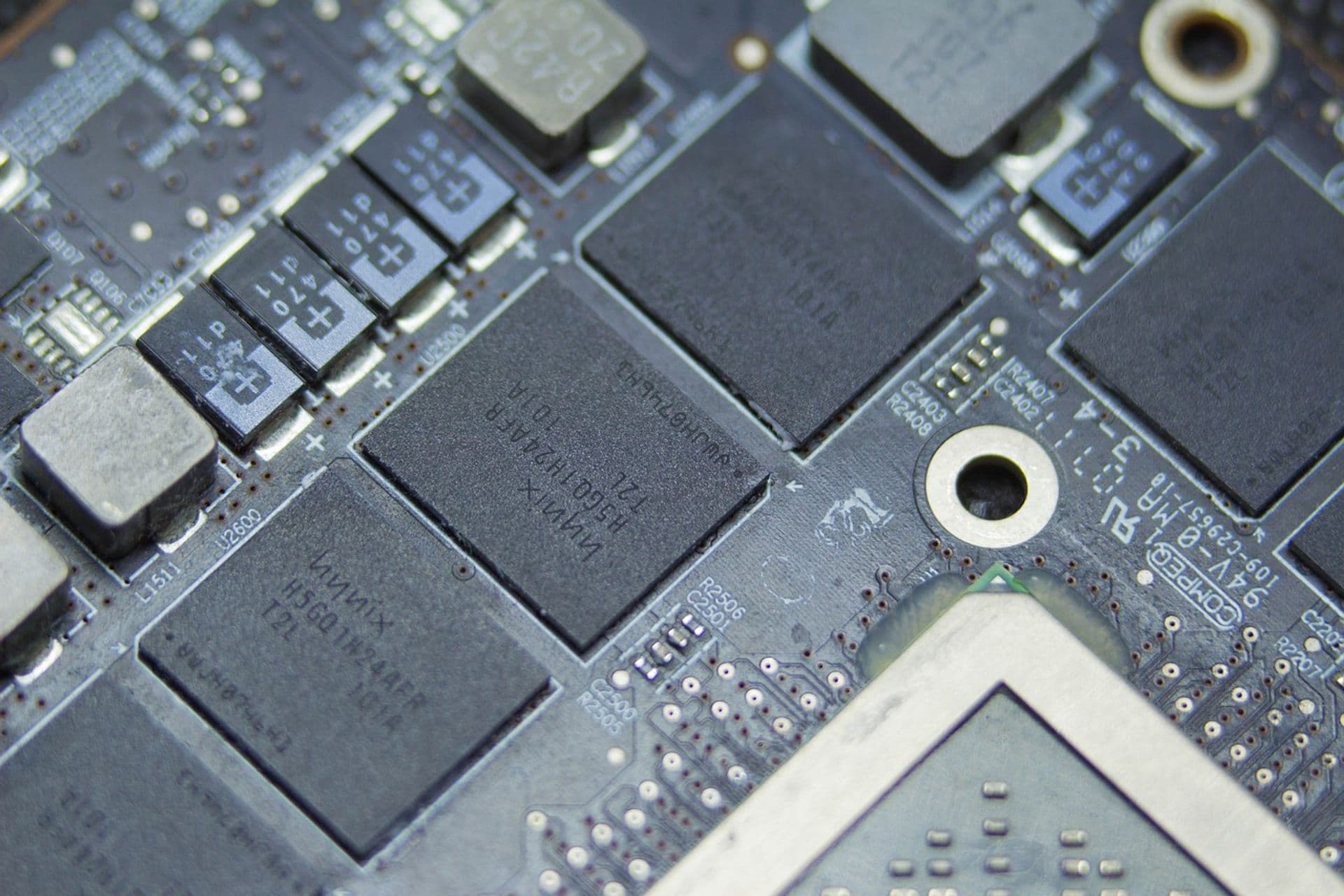
Damaged Controller in a Samsung NVMe SSD
Success rate: 100%4 days
The SSD stopped being detected after a firmware update. It held critical data from a development team, including source code.
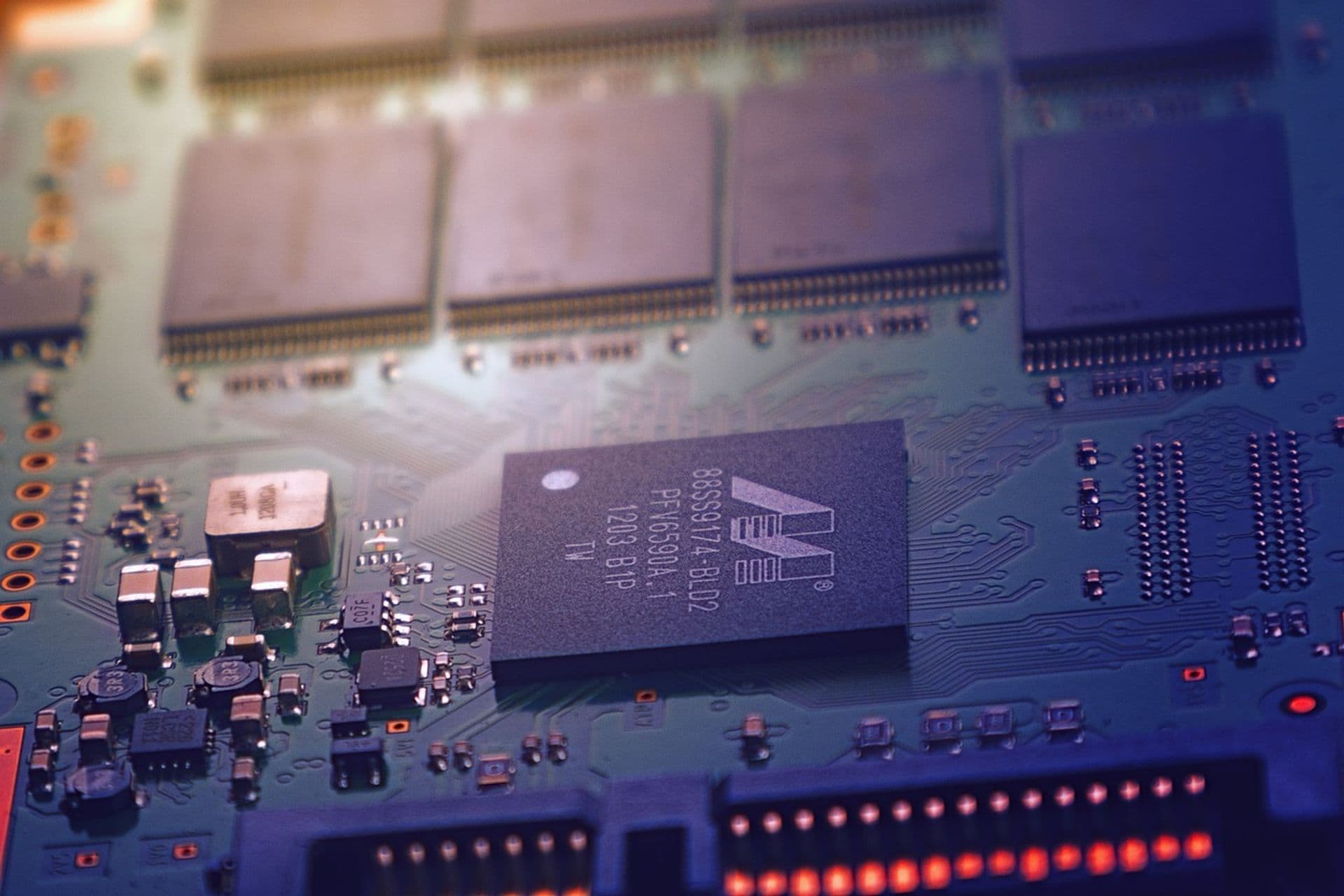
USB Flash Drive Failure
Success rate: 95%2 days
The USB flash drive showed only part of its capacity, and the files were corrupted. It contained important work presentations.
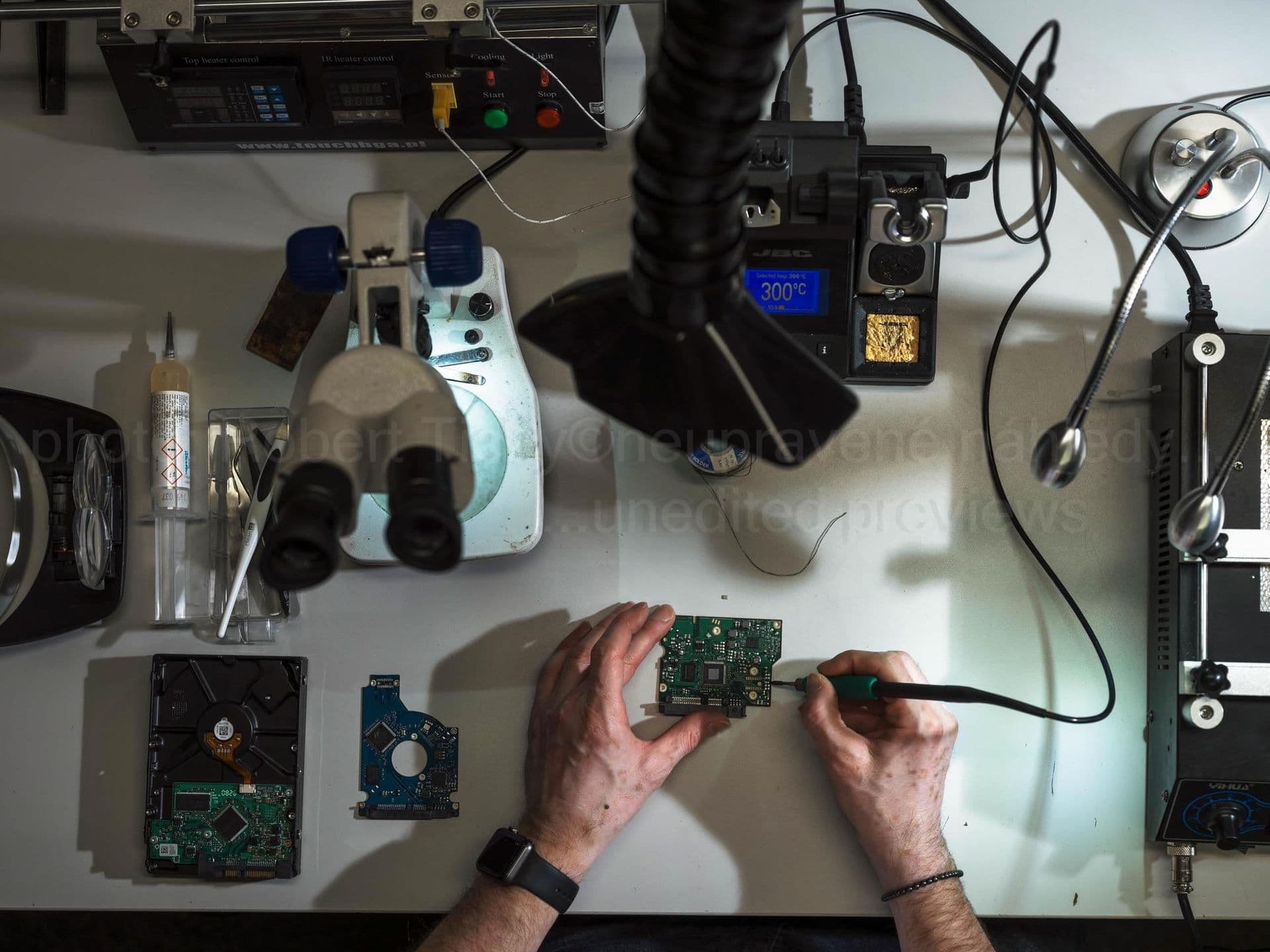
Encrypted Kingston Business SSD
Success rate: 99%6 days
The SSD was encrypted, and after a hardware failure the data could no longer be accessed. It contained an accounting database.
To give recovery the best chance, if your SSD fails, turn off the device immediately, disconnect the drive and send it to us for diagnostics. Continuing to use the drive or switching it on again could lead to permanent data loss.
Contact us as soon as possible and we'll carry out thorough diagnostics to find the best way to recover your data.
Overview of common failures:
Software failures
| Damage | Cause and symptoms |
|---|---|
| Data loss after TRIM | Automatic block erasure by the operating system
|
| SSD firmware failure | Firmware update error, manufacturing defect
|
| Damaged BitLocker/FileVault encryption | Lost key, TPM failure, hardware change
|
| Logical damage after power failure | Sudden power loss during a write operation
|
Hardware failures
| Damage | Cause and symptoms |
|---|---|
| Faulty memory controller |
|
| Faulty memory blocks |
|
| Firmware error |
|
We recover data from all types of SSD
Interfaces:
- •SATA (Serial ATA)
- •PCIe (Peripheral Component Interconnect Express)
- •NVMe (Non-Volatile Memory Express)
- •M.2
File systems for the following platforms:
- •Windows
- •Apple Mac
- •Linux
- •FreeBSD
- •OpenBSD
- •Novell
- •OS/2
Why is SSD recovery more complex than HDD recovery?
SSDs (solid-state drives) use a completely different storage technology from traditional hard drives. While an HDD stores data on magnetic platters, an SSD uses NAND memory chips. This architecture brings many advantages – speed, shock resistance, silent operation – but also specific challenges for data recovery.
One of the main problems is TRIM, which SSDs use to maintain performance. When you delete a file, the TRIM command immediately marks its blocks as free, and the controller can erase them at any time. Unlike an HDD, where deleted data stays on the platters until it is physically overwritten, recovering deleted files from an SSD can be much more difficult or even impossible.
Another factor is wear levelling – an algorithm that spreads wear evenly across all memory cells. Data is not stored sequentially but scattered across the whole drive, so reconstructing files requires knowledge of the specific controller and its algorithms.
Types of SSDs we recover
- •SATA – the most common type in desktop computers and laptops
- •NVMe – high-speed drives connected via the PCIe bus
- •M.2 – compact format for modern laptops and motherboards
- •mSATA – older compact format
- •External SSDs – portable drives with a USB interface (Samsung T5/T7, SanDisk Extreme)
- •Enterprise – server solutions for data centres (Intel DC, Samsung PM)
Most common causes of failure
- •Controller failure – the drive is not detected or reports the wrong capacity
- •NAND chip damage – memory cells degrade after reaching their write limit
- •Firmware damage – the drive gets stuck in BSY mode or is not visible
- •Power surge – electronics damaged during a power failure
- •Physical damage – broken M.2 module or damaged connector
SSDs of all brands
We recover data from SSDs by all major manufacturers:
- • Samsung – 870 EVO, 980 PRO, T5, T7
- • Western Digital – WD Blue, WD Black, SN850
- • Crucial – MX500, P5 Plus, BX500
- • Kingston – A400, KC3000, NV2
- • Intel – 670p, Optane
- • SanDisk – Extreme, Ultra, Plus
- • Seagate – FireCuda, BarraCuda
- • Corsair, Transcend, ADATA and others –
Each manufacturer uses specific controllers and firmware. Our laboratory has tools for all common controllers – Phison, Silicon Motion, Marvell, Samsung – which allows us to recover data even from severely damaged drives.
Supported specifications
| Interfaces | SATA, PCIe, NVMe, M.2 |
|---|---|
| Form factors | 2.5", M.2 2280, M.2 2242, mSATA |
| Memory types | SLC, MLC, TLC, QLC NAND flash |
| File systems | Windows (NTFS, FAT, exFAT), macOS (HFS+, APFS), Linux (ext2–4, XFS, Btrfs), FreeBSD, OpenBSD |
| Encryption | BitLocker, FileVault, Opal 2.0 SED, vendor-specific (with keys or controller dump) |
What to do if your SSD fails
Disconnect the SSD from the power immediately — TRIM can erase deleted data within seconds.
Contact us as soon as possible — every boot of a failing SSD reduces the chance of recovery.
For hardware failures, entrust the SSD to a specialist lab with chip-off and BGA soldering equipment.
Do not run DIY recovery software — any write to the SSD can overwrite blocks that are still recoverable.
SSD repair vs. data recovery
Unlike HDDs, some of which can be temporarily repaired for a single read-out, SSDs are almost never repaired for continued use. NAND chips have limited write endurance, and once a controller fails, the device has reached the end of its working life, whether or not the recovery succeeds.
We specialise in recovering data from SSDs, not refurbishing them. After recovery, we return your data on a new, verified drive — we never hand back the original SSD with a promise that it will keep working reliably. This also means we can use more aggressive techniques (chip-off, controller bypass) that would be inappropriate if the aim were to keep the device in service.
Stop using a failing SSD immediately
If your SSD shows signs of failure — the system not booting, the drive reporting the wrong capacity, or the computer not recognising it — turn off the device immediately. Every further power cycle triggers the controller's recovery routines, which can overwrite metadata and shorten the window for a successful recovery.
Do not attempt firmware updates on a failing SSD — modern SSDs apply firmware patches destructively, and a failed update on an already unstable drive typically destroys the address translation table (FTL), making reconstruction extremely difficult and expensive.
Why choose DataHelp for SSD recovery?
SSD recovery requires in-depth knowledge of flash memory architecture and each manufacturer's firmware. Every vendor (Samsung, Intel, Micron/Crucial, Western Digital, Kingston) uses its own controller and firmware design, so there is no universal approach — every case needs a vendor-specific workflow.
Our specialists have experience with all common controllers — Samsung (Elpis, Phoenix), Phison, Silicon Motion, Marvell, Realtek, and older SandForce and JMicron models. We use professional chip-off equipment (BGA rework station, PC-3000 SSD, Rusolut Visual NAND Reconstructor) that lets us read NAND chips directly, even when the controller is physically destroyed.
Thanks to our team’s more than 35 years of experience (since 1990) and a stock of donor controllers for firmware transplants, we recover data from SSDs that standard software tools cannot even detect. Our success rate for controller-level SSD failures is approximately 85% — among the highest in Europe.
Frequently asked questions — SSD recovery
Software-level failures start from €99 and hardware failures (controller replacement, chip-off) from €259. After laboratory diagnostics, we send you a fixed quote. If recovery fails, there is no recovery fee (the optional €45 pickup fee is non-refundable).
Diagnostics are completed within 24–48 hours of receipt. Standard recovery takes 3–14 days depending on the damage. For urgent cases we offer Priority (24–72 hours) and Express (12–48 hours) for a surcharge; EcoHelp (4–6 weeks) is available at a reduced price. Chip-off and controller work usually take longer than simple logical cases.
Yes, provided you have the encryption key or recovery password. We can read the encrypted blocks, but decryption itself requires the key. For hardware-encrypted SSDs with a failed controller, we can often extract the key from a controller dump. Contact us with the exact device and encryption type.
Yes. Only authorised technicians have access to your drive, we comply with the GDPR, and we sign an NDA on request. The original SSD is never reused — after recovery we either return it or physically destroy it. Decryption keys stay under your control at all times.
Our technology and capabilities
We keep investing in cutting-edge tools and expanding our recovery capabilities
Monolithic Chips
Specialised equipment for reading data directly from the memory chips of monolithic flash devices without a standard interface (USB flash drives, SD cards).
NVMe Diagnostics
Advanced tools for modern NVMe SSDs, including server and enterprise models.
Encrypted Drives
Data recovery from hardware-encrypted SSDs, including Samsung, Crucial and Intel models.
Trusted by industry leaders
Serving enterprises, institutions and organisations across Europe since 1998










Need to recover data from an SSD?
Request a free case assessment or contact us for more information.
Related guides
Useful reading before or after data recovery

Deleted Data? Don't Panic — Here's What to Do
Accidentally deleted important files? Your chances of recovery depend on what you do next. A quick guide for HDD, SSD, and mobile — and the
Read guide
How to Recover Deleted Files — Methods, Risks, and When to Call a Pro
Step-by-step guide to recovering deleted files — from checking the Recycle Bin to using Recuva to professional recovery. Plus the one critic
Read guide
How to Clone a Hard Drive — Complete Guide
Step-by-step guide to drive cloning: when you need it, how to prepare, best tools, HDD vs SSD specifics, and troubleshooting common problems
Read guide