Hard Drive Data Recovery
Professional data recovery from all types of hard drives
We recover data from mechanically and electronically damaged hard drives of every manufacturer — from clicking or undetected drives to head crashes and burnt-out electronics. Drives that need to be opened are handled in an ISO Class 5 laminar flow box by technicians with decades of HDD experience.
Pricing
Indicative prices by damage type
| Type of damage | Price |
|---|---|
| Software issues | |
Deleted Data Accidentally deleted files, emptied Recycle Bin | from €99 |
Formatting Formatted drive, lost partitions | from €99 |
Corrupted File System Drive unreadable, system reports errors | from €149 |
OS Reinstall Data overwritten by an OS reinstall | from €199 |
Malware Attack Data encrypted or damaged by malware | Individual quote |
| Hardware issues | |
Faulty Electronics (PCB) Burnt-out board, power surge, short circuit | from €199 |
Damaged Read Heads Clicking noises, unreadable sectors, drive dropped | from €529 |
Platter Damage Scratched surface, bad sectors | from €459 |
Seized Motor Drive won't spin, seized bearing | from €529 |
Damaged Service Area Drive not recognised, wrong capacity | from €459 |
Prices are indicative. The final price is set after diagnostics, based on the actual condition of the device.
Case Studies
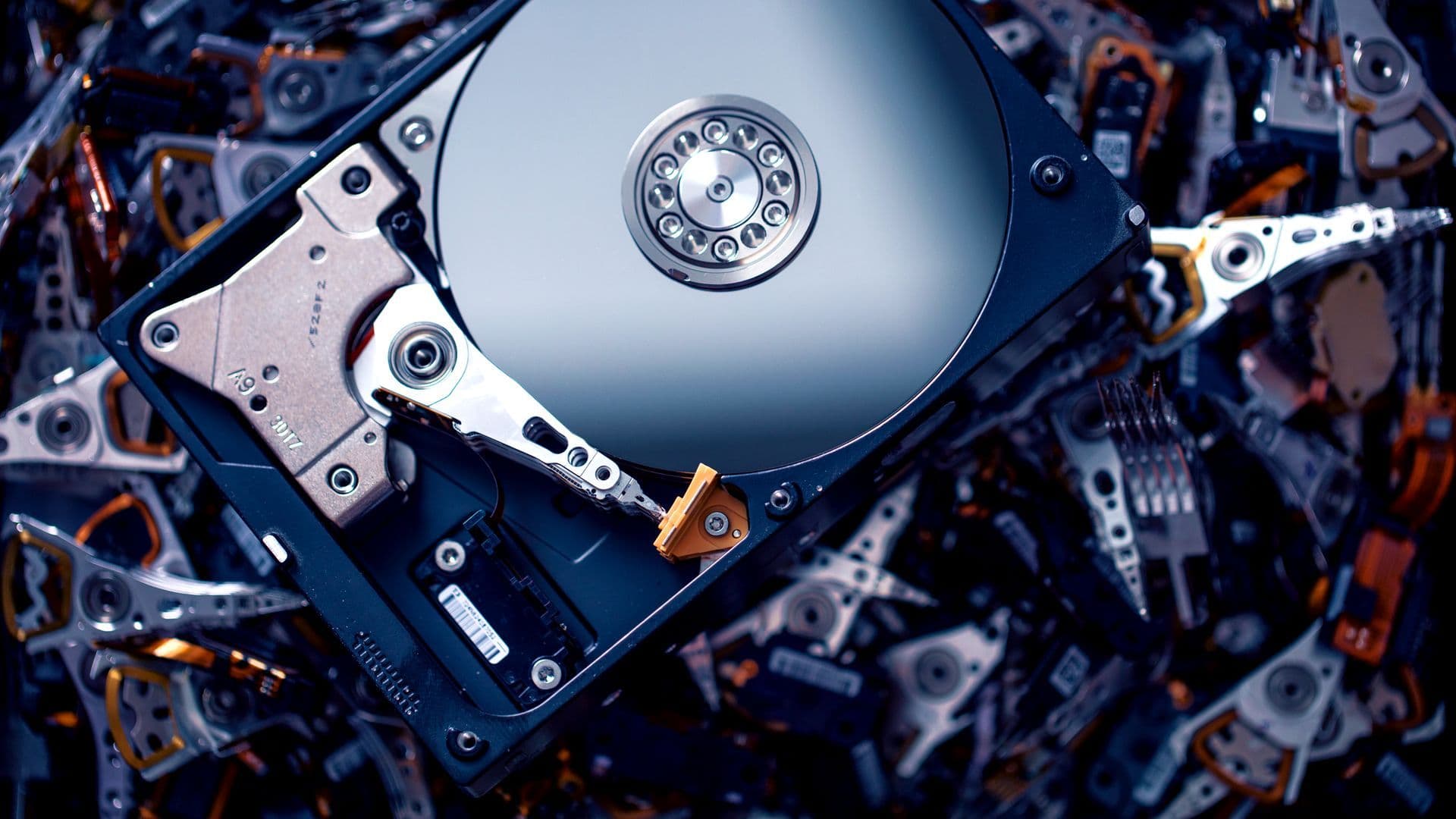
Mechanical Damage to a Western Digital Drive
Success rate: 98%5 days
After a fall, the drive made loud noises and was not detected by the system. The client needed important business documents and accounting records recovered.
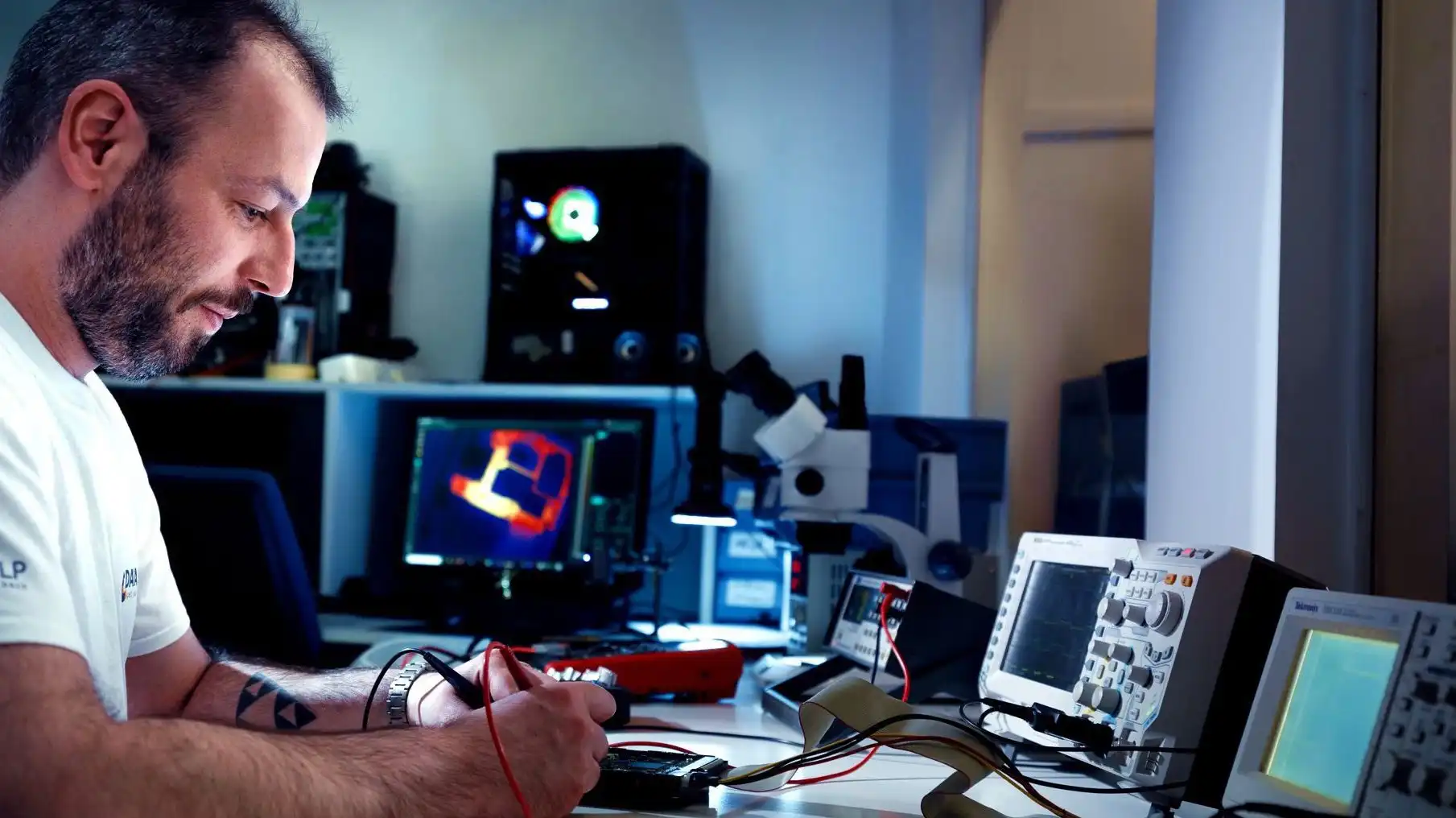
Seagate Barracuda Electronics Failure
Success rate: 100%3 days
The drive would not spin up because of an electronics failure. It contained critical production data from an industrial company.
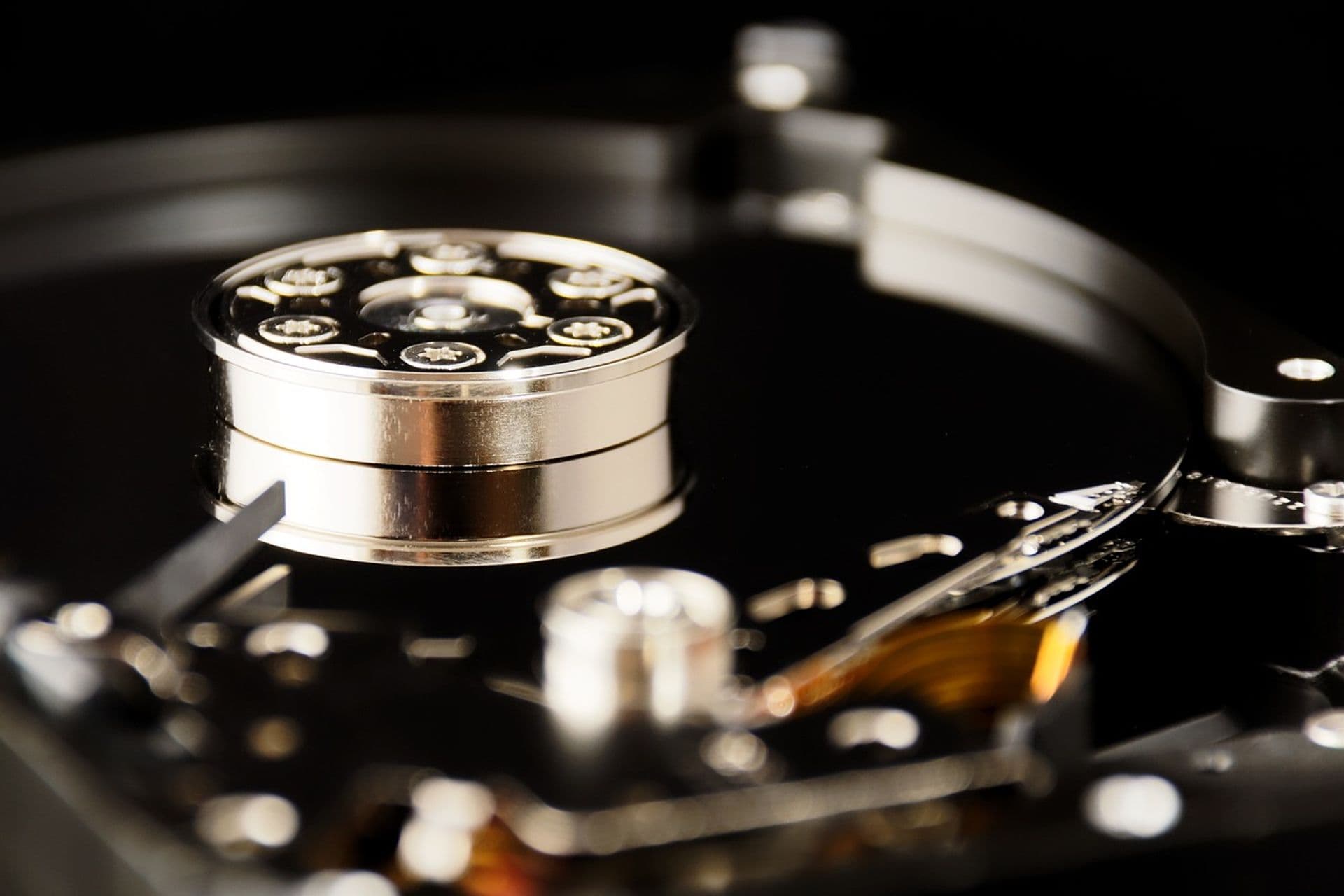
Toshiba Firmware Damage
Success rate: 99%4 days
The drive was damaged in a power failure, and its firmware was partly overwritten. It contained family photos from the last 10 years.
Software failures
NTFS/ext4 file system damage
Cause: Power failure, unexpected disconnection, OS error
- •Windows says 'You need to format the disk before you can use it'
- •The partition shows as RAW instead of NTFS
- •The system asks to check the disk every time it starts
- •Files are visible but cannot be opened
Data deleted from the Recycle Bin or with Shift+Delete
Cause: Accidental deletion by the user
- •The data is no longer in the Recycle Bin or the original folder
- •Important files are missing after emptying the Recycle Bin
- •Entire folders of documents or photos deleted
Partition reformatted
Cause: Error during OS installation, wrong drive selected
- •The drive is empty after installing Windows/Linux
- •The wrong target drive was selected for formatting
- •File system changed (e.g. NTFS to exFAT)
MBR/GPT partition table damage
Cause: Software error, virus, failed conversion
- •The drive doesn't appear in the system at all
- •The BIOS detects the drive, but Windows doesn't
- •Disk Management shows the disk as 'Not Initialized'
Hardware failures
Damaged read heads
Cause: Drops, impacts, material fatigue, manufacturing defects
- •After a drop, the drive sounds different (clicking) and reports errors
- •The drive won't spin up after a drop and the system doesn't detect it
- •The drive spins up audibly, but errors occur when reading data
- •The computer shuts down or restarts when the drive powers up
- •The drive is unusually loud
Damaged platter surface
Cause: Drops, impacts, material fatigue, contamination
- •The drive spins up audibly, but errors occur when reading
Bad sectors
Cause: Platter wear
- •The drive is detected by the BIOS but clicks or grinds; files become unreadable and diagnostic tools report bad sectors.
Seized motor bearings or heads stuck to the platters
Cause: Manufacturing defects
- •The drive audibly tries to spin up, but the PC quickly shuts down and restarts
- •The drive doesn't spin at all – complete silence
Damaged PCB electronics
Cause: Power surge, short circuit, static electricity
- •The drive doesn't respond at all when connected
- •Burning smell from the electronics
- •Visible damage to the PCB
Supported specifications
| Interfaces | SATA 2/3, IDE, PATA, SCSI, SAS, NVMe (hybrid) |
|---|---|
| Form factors | 5.25", 3.5", 2.5", 1.8" |
| File systems | Windows (NTFS, FAT, exFAT), macOS (HFS+, APFS), Linux (ext2–4, XFS, Btrfs), FreeBSD |
| Encryption | BitLocker, FileVault, TrueCrypt/VeraCrypt, hardware SED (with keys) |
What to do if your hard drive fails
If the drive makes unusual noises (clicking, squealing), disconnect it from the power immediately.
Contact specialists as soon as possible — every further attempt reduces the chance of recovery.
Entrust the drive to a specialist laboratory with a laminar flow box and donor parts in stock.
Note down how the drive behaved (noises, error messages, symptoms) — it helps us focus the diagnostics.
Important information
Don't try to fix the drive yourself – you risk permanent data loss
Don't run disk repair tools (CHKDSK, fsck) on physically damaged drives
Don't open the drive – this must be done in a laminar flow box
Don't shake or tap the drive hoping to 'fix' it
Drive repair vs. data recovery — what is the difference?
It is important to distinguish between data recovery and drive repair. Data recovery focuses on retrieving your files from a damaged or non-functional drive, while drive repair means restoring the drive to full working order for continued use.
Mechanically damaged drives are not normally repaired, because repairs are expensive and a repaired drive is never fully reliable. In some cases — firmware corruption or service area damage — the drive can technically be repaired, but this requires complete reinitialisation and recalibration of the service area, which destroys all stored data.
For these reasons, DataHelp does not offer drive repair. We specialise in data recovery, including from drives with mechanical damage, firmware failures or service area corruption. After recovery, we return your data on a new, verified drive — the original drive is never reused.
Stop using the damaged drive
If your system starts behaving unusually — failing to boot, showing a Windows blue screen, or not recognising the drive at all — a failing drive may be the cause. Any further write to a failing drive can overwrite sectors where your data still resides, dramatically reducing the chance of a successful recovery.
We therefore strongly recommend turning the computer off immediately and contacting us. The fewer interventions on a damaged drive, the higher the chance of recovering your data intact. Do not run CHKDSK, fsck or any third-party recovery software on a physically failing drive — these tools assume a healthy device and will accelerate degradation.
Why choose DataHelp for hard drive recovery?
Our team recovers data from all major hard drive manufacturers — Seagate, Western Digital, Samsung, Toshiba, Hitachi (HGST), Fujitsu, Maxtor, Quantum, Transcend, IBM, HP, Intel and Dell. The DataHelp laboratory has operated continuously since 1998, and our team’s experience — more than 35 years — goes back to the TDP-Ontrack data recovery division founded in 1990. We handle desktop, laptop, enterprise and server drives, from historical 1 GB IDE models to the latest 20 TB+ SATA and SAS drives.
Hard drive damage is most commonly caused by a drop or impact, power surges, worn mechanical components or manufacturing defects. Typical symptoms include unusual noises (clicking, squealing, grinding), the system slowing down, files disappearing or the computer failing to boot. If you notice any of these, disconnect the drive immediately and hand it over to specialists — every further power cycle reduces the chance of recovery.
Our laboratory in Prague uses ISO Class 5 laminar flow boxes, which provide a controlled, dust-free environment for opening drives and working on their internal components safely. We keep a stock of over 10,000 catalogued donor drives for read head, motor and PCB replacements for most models. Every recovery is carried out with original ACELab PC-3000 tools and firmware-level diagnostic equipment.
Diagnostics are free of charge and the entire process is transparent — we quote a fixed price upfront, and recovery only starts after your written approval. If recovery fails, there is no recovery fee (the optional €45 pickup fee is non-refundable).
HDD data recovery is a highly specialised, technically demanding process that depends on the type and extent of the damage. For mechanical problems such as damaged read heads or platters, the work must be carried out inside a laminar flow box to minimise the risk of dust contamination. Head replacement is one of the most demanding procedures — incorrect handling can cause permanent data loss.
Another common cause of hard drive failure is faulty internal electronics, which can prevent data access or cause complete drive failure. Repeatedly powering on a drive in this state often leads to irreversible platter damage, significantly reducing the chance of recovery.
Entrusting the drive to specialists means it is analysed and recovered using professional tools that minimise the risk of permanent data loss. Don't try to fix the drive yourself — amateur attempts often cause further damage. Our team has more than 35 years of experience (since 1990), operates ISO Class 5 laminar flow boxes, and has immediate access to 10,000+ catalogued donor parts.
Frequently asked questions — HDD recovery
The laboratory assessment is free when you send the device yourself or drop it off in person. Software-level failures start from €99 and hardware failures from €199. We provide a fixed quote before recovery begins. If recovery fails, there is no recovery fee (the optional €45 pickup fee is non-refundable).
Diagnostics are usually completed within 24–48 hours of receiving the drive. Standard recovery takes 3–14 days depending on the damage. For urgent cases we offer Priority (24–72 hours) and Express (12–48 hours) for a surcharge; EcoHelp (4–6 weeks) is available at a reduced price.
After we receive the drive, we run free diagnostics and send you a fixed-price quote. Once you approve it, we carry out the recovery in our laminar flow box lab, using PC-3000 and head replacement tools where required. The recovered data is verified, listed and returned to you in whichever way you prefer — on a new drive, on an encrypted USB drive or via a secure online transfer.
Yes. Only authorised technicians have access to your drive. We comply with the GDPR, can sign an NDA on request, and after recovery the original drive is either returned to you or physically destroyed — never reused. Encryption keys (BitLocker, FileVault) remain under your control; we keep them only for as long as the recovery takes.
Trusted by industry leaders
Serving enterprises, institutions and organisations across Europe since 1998










Our technology and capabilities
We keep investing in cutting-edge tools and expanding our recovery capabilities
Laminar Flow Box Lab
Professional ISO Class 5 laminar flow box for safe work with opened hard drives and platter transplants.
ACELab Tools
Certified professional equipment for hardware-level diagnostics and data recovery from all HDD manufacturers.
35+ Years of Experience
More than 57,000 cases handled since 1998, including complex enterprise and RAID systems.
10,000+ Donor Drives in Stock
Our own parts warehouse with over 10,000 catalogued donor drives from all manufacturers — from historical MFM models to the latest 20 TB models. Precise firmware and head map matching for maximum compatibility. Parts available within 24 hours.
Need to recover data from a hard drive?
Request a free case assessment or contact us for more information.
Related guides
Useful reading before or after data recovery
How to Clone a Hard Drive — Complete Guide
Step-by-step guide to drive cloning: when you need it, how to prepare, best tools, HDD vs SSD specifics, and troubleshooting common problems
Read guide
Deleted Data? Don't Panic — Here's What to Do
Accidentally deleted important files? Your chances of recovery depend on what you do next. A quick guide for HDD, SSD, and mobile — and the
Read guideHow to Recover Deleted Files — Methods, Risks, and When to Call a Pro
Step-by-step guide to recovering deleted files — from checking the Recycle Bin to using Recuva to professional recovery. Plus the one critic
Read guide