Apple
Daten auf Ihrem iPhone, iPad, MacBook oder iMac verloren? Wir helfen Ihnen bei der Rettung – egal, ob mechanische Schäden, Verschlüsselung oder ein beschädigtes Dateisystem (HFS+, APFS) die Ursache sind.
Wir retten Daten von allen Apple-Geräten – MacBook, iMac, Mac mini und iPhone – einschließlich verlöteter SSDs und verschlüsselter Speicher mit T2- oder M-Chip. Proprietäre Apple-SSD-Formate und APFS-Dateisystemschäden bearbeiten wir im eigenen Labor.
Datenrettung von Apple-Geräten
Wichtige Daten verloren oder ist Ihr Apple-Gerät beschädigt? Wir helfen Ihnen. Unsere Datenrettung umfasst Geräte wie iPhone, iPad, MacBook und iMac. Wir können Daten zuverlässig retten, auch wenn sie unwiederbringlich verloren scheinen.
Apple-Nutzer haben den Vorteil von Time Machine, das Daten automatisch und regelmäßig sichert. Bevor Sie uns kontaktieren, empfehlen wir zu prüfen, ob die verlorenen Daten mit Time Machine gesichert wurden – das kann der schnellste Weg zurück zu Ihren Daten sein.
Viele MacBooks mit austauschbarer SSD verwenden Apples eigene, proprietäre SSD-Steckverbinder. Unser Labor verfügt über die nötigen Adapter für alle aktuellen Typen.
iPhone- und iPad-Datenrettung
Ursachen für Datenverlust:
Datenverlust auf dem iPhone oder iPad entsteht meist durch Bedienfehler, Speicherdefekte oder unerwartete iOS-Probleme.
Dauer der Rettung:
Die Datenrettung von Apple-Geräten kann je nach Art des Fehlers und Gerät zwischen mehreren Stunden und mehreren Wochen dauern. Die iPhone-Datenrettung dauert in der Regel mehrere Dutzend Stunden, je nach Modell (z. B. iPhone 6 bis 15) unterschiedlich lange. Beim iPad kann die Rettung unabhängig vom Modell (mini, Air oder Pro) mehrere Tage bis Wochen dauern.
Erfolgsquote:
Die Datenrettung von Apple-Geräten ist anspruchsvoll und hat eine niedrigere Erfolgsquote, insbesondere aufgrund der doppelten Verschlüsselung. Damit eine Rettung möglich ist, darf das Gerät nicht auf die Werkseinstellungen zurückgesetzt worden sein.
Unser Verfahren:
Wir erstellen zunächst ein vollständiges Abbild des Gerätespeichers und arbeiten anschließend nur mit dieser Kopie.
MacBook-Datenrettung
Ältere Macs verwenden das Dateisystem HFS+ (Mac OS Extended); seit 2017 setzt Apple auf APFS, das für SSDs optimiert ist und native Verschlüsselung sowie Snapshots bietet. Beide Dateisysteme verkraften kleinere Fehler, doch physische Laufwerksschäden können ihre Strukturen beschädigen und die Daten unzugänglich machen, was die Datenrettung erheblich erschwert.
Aus Nutzersicht zeigt sich das Problem oft darin, dass das Gerät nach dem Herunterfahren nicht mehr startet oder nicht mehr reagiert. Häufig kommt es zu einer Bootschleife: Das Gerät startet immer wieder neu, lädt das System aber nie vollständig. Ursache ist meist ein beschädigtes HFS+-Dateisystem. Auch dann können wir helfen – mit speziellen Werkzeugen und Verfahren arbeiten wir direkt mit der beschädigten Dateisystemstruktur und retten Daten, die sonst unzugänglich wären.
Häufige Fehler im Überblick
- •iPhone oder iPad lädt nicht oder wird vom Computer nicht erkannt: Die Ursache liegt oft beim Ladeanschluss.
- •Bleibt beim Apple-Logo hängen: Hilft ein Neustart nicht, kann ein System- oder Speicherfehler vorliegen.
- •Gerät schaltet sich nicht ein: Ursache kann ein leerer Akku, eine defekte Taste, ein physischer Schaden oder ein Hardwaredefekt sein.
- •Roter Bildschirm: Kontakt mit Wasser kann schwere Schäden verursachen. Laden Sie das Gerät nicht auf, sondern kontaktieren Sie uns.
- •Horizontale Linien auf dem Display: Treten oft nach einem Sturz oder Stoß auf und können den Touchscreen unbrauchbar machen.
- •Hängt im Wiederherstellungsmodus: Ein Zurücksetzen auf die Werkseinstellungen würde alle Daten löschen.
- •Fehlgeschlagenes iOS-Update: Zu wenig Speicherplatz oder eine Stromunterbrechung während des iOS-Updates können Probleme verursachen.
iMac- und Mac-mini-Datenrettung
iMac und Mac mini sind beliebte Desktop-Computer, die Leistung mit elegantem Design verbinden. Ältere Modelle verwenden klassische 3,5"- oder 2,5"-Festplatten (HDD), neuere sind mit schnellen SSDs oder einem kombinierten Fusion Drive ausgestattet. Moderne iMacs mit Apple-Silicon-Chips (M1, M2, M3, M4) haben die SSD direkt auf der Hauptplatine, was ein spezielles Vorgehen bei der Datenrettung erfordert.
iMac mit Fusion Drive
Ein Fusion Drive kombiniert SSD und HDD zu einem logischen Volume. Fällt eines der beiden Laufwerke aus, kann der Zugriff auf alle Daten verloren gehen. Unser Labor kann Daten aus beiden Teilen eines Fusion Drive rekonstruieren und die Dateisystemstruktur wiederherstellen.
Mac mini und Mac Studio
Der kompakte Mac mini und der leistungsstarke Mac Studio verwenden interne SSDs. Bei älteren Modellen lässt sich die SSD ausbauen, bei neueren mit Apple Silicon ist der Speicher verlötet. Wir sind auf die Datenrettung von beiden Typen spezialisiert, einschließlich verschlüsselter Macs mit T2-Chip.
Apple-Dateisysteme: HFS+, APFS und ihre Besonderheiten
Apple-Geräte verwenden eigene Dateisysteme, die sich von denen unter Windows (NTFS, FAT32) und Linux (ext4) unterscheiden. Ihre genaue Kenntnis ist der Schlüssel zur erfolgreichen Datenrettung.
HFS+ (Mac OS Extended)
Älteres Dateisystem, das seit Mac OS 8.1 verwendet wird. Es zeichnet sich durch Stabilität und Zuverlässigkeit aus und funktioniert auch bei kleineren Fehlern ohne Absturz. Es wird vor allem auf älteren Macs mit Festplatten eingesetzt. Bei physischen Schäden am Laufwerk kann jedoch die gesamte HFS+-Struktur zusammenbrechen, was die Rettung erschwert.
APFS (Apple File System)
Modernes Dateisystem, eingeführt mit macOS High Sierra (2017) und optimiert für SSDs und Flash-Speicher. Es bietet native Verschlüsselung, Dateiklone und Snapshots. APFS ist Standard auf allen neueren Apple-Geräten, einschließlich iPhone und iPad. Die Datenrettung von APFS erfordert spezielle Werkzeuge.
Wichtiger Hinweis
Apple-Geräte verwenden häufig eine Hardwareverschlüsselung (FileVault auf Macs, Datenschutz/Data Protection auf iPhones/iPads). Für eine erfolgreiche Datenrettung müssen Sie das Passwort kennen oder Zugriff auf die Apple-ID haben. Setzen Sie das Gerät niemals auf die Werkseinstellungen zurück – dabei werden die Verschlüsselungsschlüssel zerstört, und die Daten gehen unwiederbringlich verloren.
Apple-Geräte in unserem Labor
Apple-Produkte machen etwa 10 % aller Datenträger aus, die wir in unserem Labor bearbeiten. Wir haben umfangreiche Erfahrung mit allen Generationen von iPhones, iPads, MacBooks und iMacs – von den ersten Modellen bis zu den neuesten Geräten mit Apple-Silicon-Chips.
Apple verwendet proprietäre Anschlüsse, die sich regelmäßig ändern. Unser Labor verfügt über alle notwendigen Adapter, und bei Bedarf fertigen wir weitere selbst an. Wir können jedes Apple-Gerät anschließen und diagnostizieren.
Unterstützte Geräte
- •iPhone – alle Modelle vom iPhone 4 bis zur aktuellen Generation
- •iPad – iPad, iPad Air, iPad Pro, iPad mini
- •MacBook – MacBook Air, MacBook Pro (Intel und Apple Silicon)
- •iMac – alle Generationen einschließlich iMac Pro
- •Mac mini, Mac Studio, Mac Pro
- •iPod – iPod classic, touch, nano, shuffle
In drei Schritten zu Ihren Daten
1
Schalten Sie das Gerät aus und verwenden Sie es nicht weiter
Jede weitere Nutzung eines beschädigten Geräts kann die Chancen auf eine erfolgreiche Datenrettung erheblich verringern. Schließen Sie das iPhone/iPad nicht an einen Computer an und versuchen Sie weder einen Reset noch ein Systemupdate.
2
Prüfen Sie Ihr Backup in Time Machine oder iCloud
Prüfen Sie vor der Kontaktaufnahme, ob die verlorenen Daten gesichert wurden. Time Machine (auf dem Mac) oder iCloud (auf dem iPhone/iPad) enthält möglicherweise eine Kopie Ihrer Dateien. Gibt es kein Backup oder ist es unvollständig, fahren Sie mit dem nächsten Schritt fort.
3
Fall kostenlos anmelden
Melden Sie den Fall online an und senden Sie das Gerät selbst ein oder geben Sie es persönlich ab. Auf Wunsch buchen Sie die optionale versicherte DPD-Abholung für 45 €. Nach der Diagnose erhalten Sie ein verbindliches Angebot; die Rettung beginnt erst nach Ihrer Freigabe.
Garantie: Unsere Diagnose erfolgt ohne Eingriff in das Gerät. Muss für die Datenrettung ein Garantiesiegel gebrochen werden, sagen wir Ihnen das vorher – ob die Garantie danach bestehen bleibt, hängt vom Einzelfall ab.
Unterstützte Apple-Geräte
| MacBook / iMac | Intel-Macs (2006–2020) mit SATA-/PCIe-SSDs, Macs mit T2-Chip (ab 2017), Apple Silicon M1/M2/M3/M4 (verlöteter Speicher) |
|---|---|
| iPhone | Alle Modelle von iPhone 4 bis iPhone 16 Pro Max – fehlgeschlagene iOS-Updates, Bootschleifen, Wasserschäden und defekte Displays (Code erforderlich) |
| iPad & iPod | Alle iPad-Generationen, iPod Touch, Apple Watch |
| Dateisysteme | HFS+ (älter), APFS (aktuell), verschlüsselte und FileVault-Volumes (mit Passwort) |
Was tun, wenn Ihr Apple-Gerät ausfällt?
Sofort ausschalten – besonders bei Macs mit T2-Chip oder Apple Silicon können wiederholte Bootschleifen den Zustand der Secure Enclave beschädigen.
Prüfen Sie zuerst Ihre iCloud-Backups – Mac- und iPhone-Backups enthalten die Daten möglicherweise bereits.
Führen Sie die Erste Hilfe des Festplattendienstprogramms nicht auf einem defekten Laufwerk aus – sie kann Blöcke als unbrauchbar markieren und wiederherstellbare Daten verbergen.
Kontaktieren Sie uns, bevor Sie das Gerät öffnen – moderne Macs haben proprietäre, verlötete SSDs, die sich nicht austauschen lassen.
Mac-Reparatur vs. Datenrettung
Apple-Silicon-Macs (M1, M2, M3, M4) haben verlötete, verschlüsselte SSDs, die an den T2-Chip bzw. die Secure Enclave gebunden sind. Ein Ausfall des Logic Boards kann daher bei einem modernen Mac den Zugriff auf die Daten verhindern, selbst wenn die NAND-Chips intakt sind – der Verschlüsselungsschlüssel befindet sich in der Secure Enclave, und der Austausch des Logic Boards zerstört die kryptografische Bindung.
Bei diesen Geräten konzentrieren wir uns auf die logische Rettung, solange das Gerät noch startet, oder darauf, das Original-Logic-Board wieder funktionsfähig zu machen, damit die Secure Enclave den Schlüssel freigeben kann – das FileVault-Passwort ist dennoch erforderlich. Einen Austausch des Logic Boards versuchen wir nicht – er zerstört die Schlüsselbindung und macht die Daten dauerhaft unlesbar.
Bei Intel-Macs ohne T2-Chip (2016 und älter) mit austauschbaren SATA-/PCIe-SSDs ähnelt die Rettung einem normalen SSD-Fall – wir können das Laufwerk ausbauen und eine vollständige Rettung mit Werkzeugen auf Firmware-Ebene durchführen.
Schalten Sie einen defekten Mac nicht immer wieder ein
Zeigt Ihr Mac beim Start einen Ordner mit Fragezeichen, hängt er in einer Schleife beim Apple-Logo oder meldet er eine Kernel Panic, ist möglicherweise die SSD oder das Logic Board defekt. Jeder weitere Startversuch löst Apples Dateisystem-Reparaturroutinen (fsck_apfs) aus, die Metadaten des Dateisystems auf einem defekten Laufwerk neu schreiben und die Rettung erheblich erschweren können.
Bei iPhone/iPad: Geben Sie den Code nicht wiederholt ein, wenn der Bildschirm nicht reagiert – moderne iOS-Geräte können so eingestellt sein, dass sie nach 10 Fehlversuchen alle Daten automatisch löschen. Bestätigen Sie keine Aufforderung, das Gerät über iTunes/Finder auf die Werkseinstellungen zurückzusetzen – dabei wird das Gerät gelöscht.
Warum DataHelp für die Apple-Datenrettung?
Die Apple-Datenrettung ist eine Spezialdisziplin. Moderne Macs und iPhones verwenden eine durchgängige Hardwareverschlüsselung, die an den T2- bzw. Apple-Silicon-Sicherheitschip gebunden ist. Herkömmliche Datenrettungswerkzeuge können daher nicht auf den Speicher zugreifen, selbst wenn der NAND physisch intakt ist. Eine erfolgreiche Rettung erfordert für jede Apple-SoC-Generation eigene Arbeitsabläufe.
Wir haben Erfahrung mit allen Apple-Gerätegenerationen – vom MacBook Pro aus dem Jahr 2008 mit austauschbarer SATA-Festplatte bis zum aktuellen M4 MacBook Pro mit verlötetem, verschlüsseltem NAND. Wir nutzen Apple-spezifische Firmware-Werkzeuge, rekonstruieren APFS-Container, extrahieren FileVault-Schlüssel und retten bei iPhones und iPads, die nach einem fehlgeschlagenen Update oder einem Wasserschaden nicht mehr starten, die Daten aus einem Abbild des Gerätespeichers (Code erforderlich).
Unser Team verfügt über mehr als 35 Jahre Erfahrung (seit 1990). Für Geschäftskunden mit Apple Business Manager oder Jamf MDM stimmen wir uns mit Ihrem IT-Administrator ab, um betreute (supervised) Geräte und verwaltete Apple-IDs zu berücksichtigen.
Häufige Fragen – Apple-Datenrettung
In den meisten Fällen nicht, es sei denn, die Secure Enclave auf dem Original-Logic-Board funktioniert noch. Bei Apple-Silicon-Macs ist die SSD auf das Logic Board gelötet und hardwareverschlüsselt, wobei die Verschlüsselung an den T2-Chip bzw. die Secure Enclave gebunden ist. Ist die Secure Enclave zerstört, ist der Verschlüsselungsschlüssel verloren und der NAND kryptografisch unlesbar. Von teilweise funktionierenden Platinen können wir die Daten oft retten – kontaktieren Sie uns für eine konkrete Diagnose.
Die Diagnose ist kostenlos. MacBook/iMac mit austauschbarer SSD: ab 299 €. MacBook mit T2-Chip oder Apple Silicon (logische Rettung, wenn bootfähig): ab 449 €. Logische iPhone-Rettung (mit Code): ab 99 €. iPhone-Hardwareschäden wie Wasserschaden oder defektes Display (Code erforderlich): siehe Preisliste für Smartphones, z. B. defektes Display ab 449 €, Wasserschaden ab 599 €. Individuelles Angebot für komplexe Fälle. Keine Daten, keine Kosten: Retten wir keine Daten, fällt keine Rettungsgebühr an (die optionale Abholgebühr von 45 € wird nicht erstattet).
Ja, sofern Sie das FileVault-Passwort oder den Wiederherstellungsschlüssel haben. Bei älteren Macs mit austauschbarem Laufwerk arbeiten wir mit einem Abbild des Laufwerks und entschlüsseln es mit Ihrem Passwort. Bei Macs mit T2 oder Apple Silicon ist der Schlüssel an die Secure Enclave gebunden, daher muss das Original-Logic-Board funktionieren. Ohne Passwort oder Wiederherstellungsschlüssel ist die Rettung kryptografisch unmöglich – Apple hat FileVault brute-force-sicher konzipiert.
Oft ja – sofern Sie den Code kennen. iOS verschlüsselt alle Daten mit Schlüsseln, die an den Chip des Telefons gebunden sind, deshalb funktioniert Chip-off bei iPhones nicht: Wir reinigen und stabilisieren die Originalplatine, bringen das Telefon so lange zum Laufen, bis ein Abbild des Speichers erstellt ist, und extrahieren die Daten aus diesem Abbild. Laden oder starten Sie das Telefon nicht und bringen oder schicken Sie es uns so schnell wie möglich. Ein Zurücksetzen auf die Werkseinstellungen verringert die Chancen erheblich.
Möchten Sie Daten von einem Apple-Gerät retten lassen?
Fordern Sie eine kostenlose Ersteinschätzung an oder kontaktieren Sie uns für weitere Informationen.
Verwandte Anleitungen
Nützliche Lektüre vor oder nach der Datenrettung

Daten gelöscht? Keine Panik — Das ist zu tun
Wichtige Dateien versehentlich gelöscht? Ihre Chancen auf Rettung hängen davon ab, was Sie als Nächstes tun. Eine Kurzanleitung für HDD, SSD
Anleitung lesen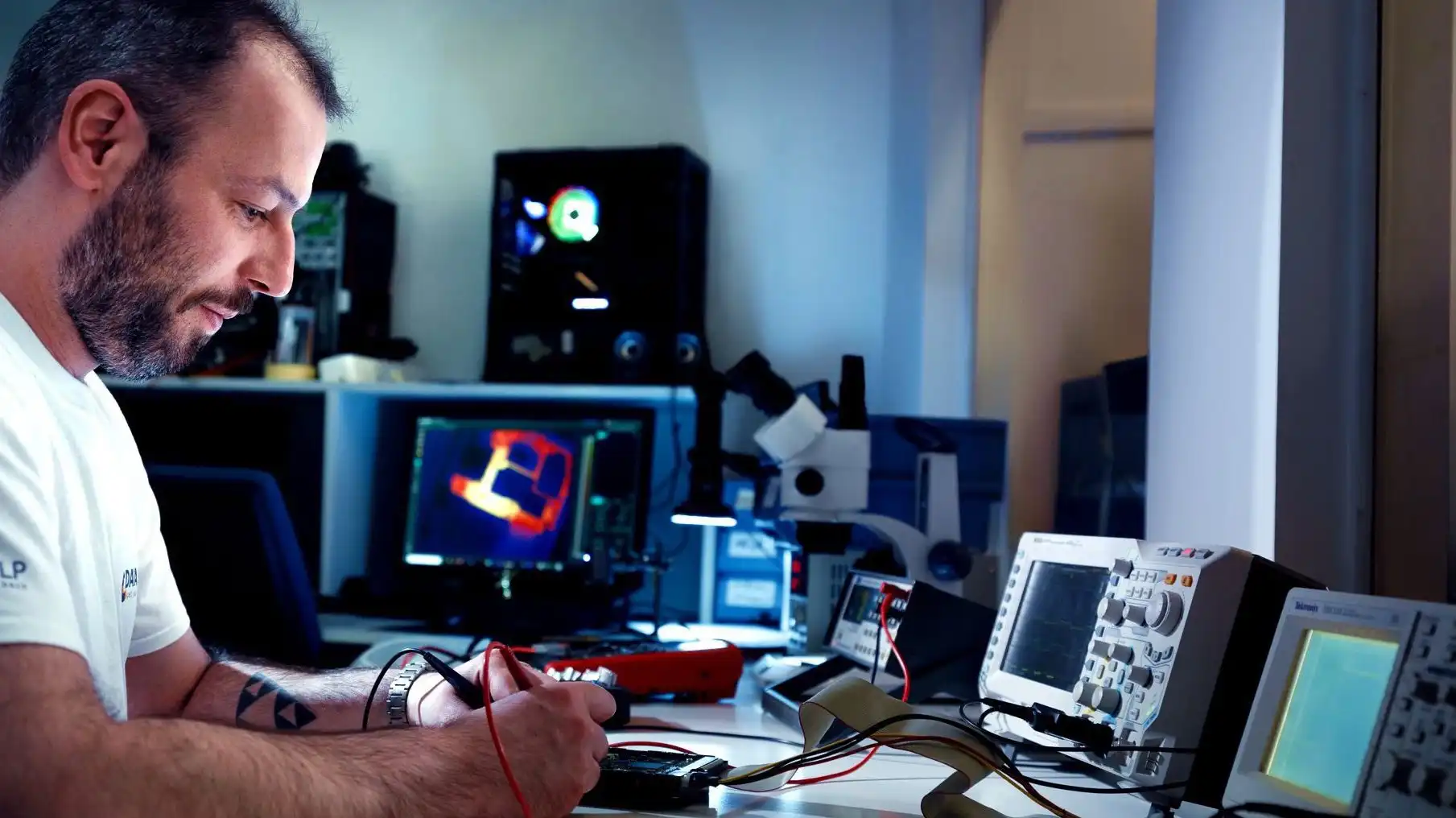
Wie man gelöschte Dateien wiederherstellt — Methoden, Risiken und wann Sie einen Profi rufen sollten
Schritt-für-Schritt-Anleitung zur Wiederherstellung gelöschter Dateien — vom Papierkorb bis zur professionellen Rettung. Plus: Der eine fata
Anleitung lesen
Die 3-2-1-Backup-Regel — Ihre Datenversicherung
Die 3-2-1-Regel ist die einfachste bewährte Strategie, um Ihre Daten zu schützen: 3 Kopien, 2 verschiedene Medien, 1 externes Backup. So set
Anleitung lesen